


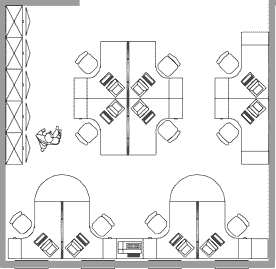


.jpg)


Computer Chair Selection Guide for Office Productivity

Selecting the right computer chair represents one of the most critical decisions for workplace productivity and long-term health. With professionals spending an average of 6-8 hours daily seated at their workstations, the quality and design of seating directly impacts physical well-being, focus, and job performance. Understanding the key features, ergonomic principles, and adjustment capabilities transforms an ordinary seating experience into an investment in sustained comfort and professional effectiveness.
Understanding Ergonomic Principles in Computer Seating
The science behind effective computer chair design extends far beyond basic comfort. Ergonomics focuses on fitting furniture to the human body's natural alignment rather than forcing the body to adapt to poorly designed equipment. Research from Cornell University highlights that ergonomic chairs alone might not protect computer users from wrist injuries, emphasizing the need for comprehensive workstation setup.
Proper spinal alignment stands as the foundation of ergonomic seating design. The natural S-curve of the spine requires continuous support throughout the workday, particularly in the lumbar region where most individuals experience the greatest strain.
Core Components of Ergonomic Support
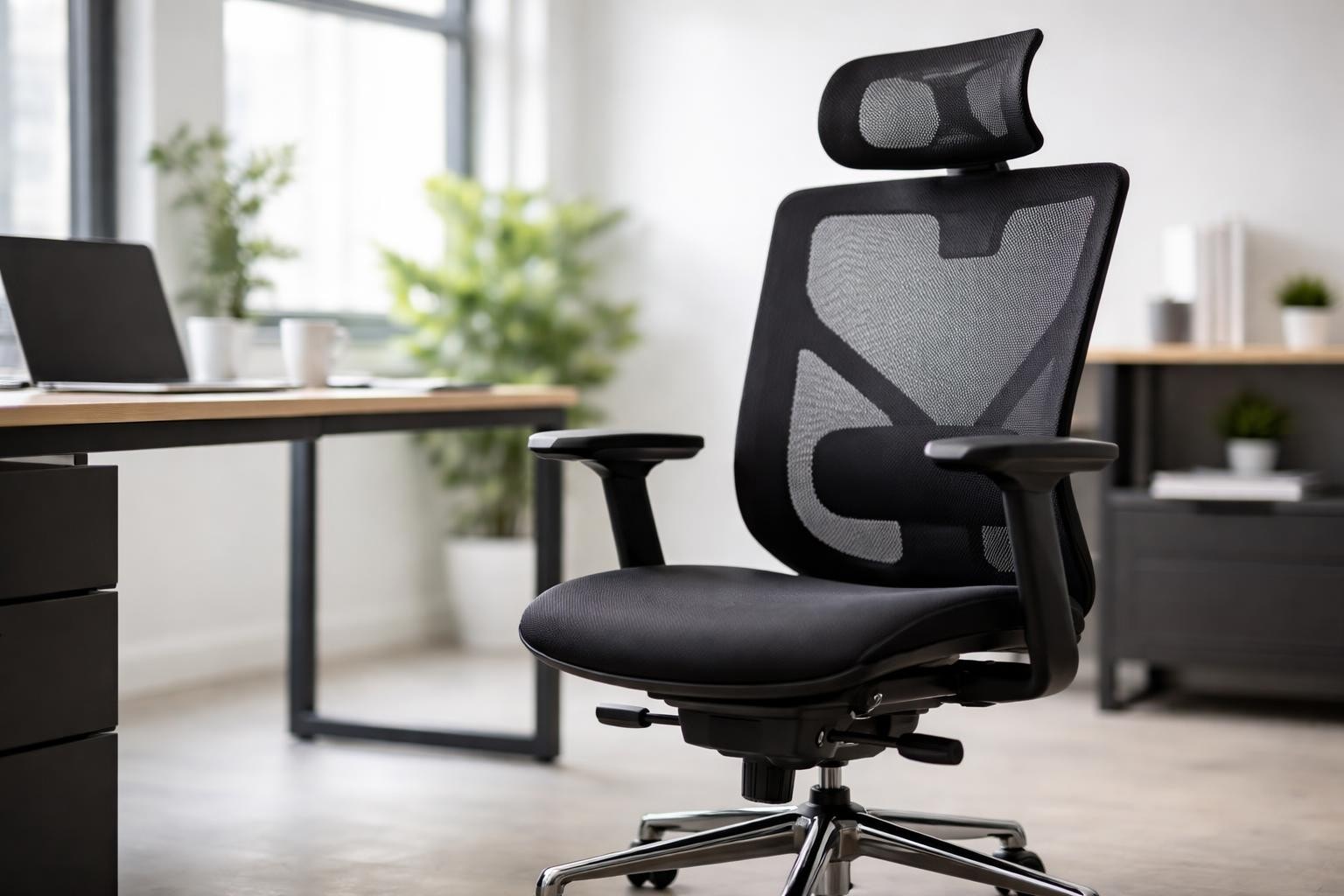
A quality computer chair incorporates multiple adjustable features that accommodate individual body types and work styles:
Lumbar support adjustment allows positioning at the exact height of your lower back curve
Seat depth control ensures proper thigh support without restricting circulation
Armrest flexibility reduces shoulder tension and supports proper typing posture
Backrest angle adjustment enables dynamic sitting positions throughout the day
Height customization aligns seating with desk surface for optimal arm positioning
Recent market analysis projects significant growth in the ergonomic chair industry, driven by increased workplace awareness of health impacts. This expansion reflects growing recognition that preventive investments in proper seating reduce long-term healthcare costs and productivity losses.
Material Selection and Build Quality Considerations
The materials comprising your computer chair determine its longevity, maintenance requirements, and daily comfort experience. Professional-grade seating utilizes construction methods and fabrics significantly superior to consumer-level alternatives.
Upholstery Options and Performance Characteristics
Material Type | Durability Rating | Breathability | Maintenance Level | Best Use Case |
Mesh fabric | High (8-10 years) | Excellent | Low | Warm climates, extended sitting |
Leather | Very High (10-12 years) | Moderate | Medium | Executive offices, formal settings |
Fabric | Moderate (5-8 years) | Good | Medium-High | General office use, budget-conscious |
Vinyl | High (7-10 years) | Low | Low | Industrial environments, easy cleaning |
Mesh construction has gained substantial popularity among technology professionals and extended computer users. The material promotes airflow, preventing heat accumulation during long work sessions while maintaining structural support.
Frame construction quality directly impacts safety ratings and weight capacity. Steel frames provide superior strength and stability compared to plastic alternatives, particularly for chairs supporting users above 200 pounds. Many businesses find that investing in quality seating solutions reduces replacement frequency and warranty claims.
Essential Adjustment Mechanisms Explained
Understanding how to properly utilize adjustment features maximizes the benefits of a well-designed computer chair. Many users never explore full customization capabilities, leaving valuable ergonomic potential unrealized.
Tilt Mechanisms and Their Applications
Three primary tilt systems serve different sitting preferences and work styles:
Synchro-tilt mechanism coordinates backrest and seat movement at optimized ratios, typically 2:1 or 3:1, promoting dynamic sitting
Knee-tilt pivot point positions rotation axis forward, maintaining feet flat on floor during recline
Multi-function control enables independent adjustment of backrest angle, seat tilt, and tension resistance
The National Institutes of Health provides detailed guidance on selecting ergonomic chairs with appropriate adjustment features. Their recommendations emphasize that individual body proportions should drive chair selection rather than one-size-fits-all approaches.
Tension control allows users to calibrate resistance matching their body weight and movement preferences. Lighter individuals require less resistance for comfortable recline, while heavier users need increased tension preventing sudden backward motion.
Workspace Integration and Proper Setup
Even the most advanced computer chair fails to deliver benefits without correct positioning within the broader workstation environment. Desk height, monitor placement, and keyboard position interact with seating to create either optimal ergonomics or problematic strain patterns.
Measurement Guidelines for Proper Alignment
Achieving proper setup requires attention to specific dimensional relationships. When seated with feet flat on the floor, thighs should rest parallel to the ground with a 90-degree angle at the knees. Arms hanging naturally should form 90-degree angles at the elbows when hands reach the keyboard surface.
Monitor placement deserves equal consideration alongside chair adjustment. The screen top should align at or slightly below eye level, positioned 20-26 inches from your eyes. This distance varies based on screen size and individual vision characteristics.
Research analyzing anthropometric mismatches between users and furniture demonstrates that standard dimensions often fail to accommodate diverse body types. Custom adjustments become essential rather than optional for many professionals.
Companies like Pacific Coast Business & Home Office Furniture recognize these challenges by offering comprehensive installation services ensuring proper workstation configuration. Their expertise extends beyond product delivery to functional workspace optimization.
Health Impact and Musculoskeletal Considerations
Prolonged sitting in poorly designed computer chairs contributes to numerous health complications ranging from minor discomfort to serious chronic conditions. Understanding these risks motivates investment in proper seating solutions.
Common Issues Associated with Inadequate Seating
Lower back pain affecting 80% of adults at some point in their careers
Neck strain from forward head posture and inadequate upper back support
Shoulder tension resulting from armrest positioning errors
Hip flexor tightness from excessive seat depth or improper height
Reduced circulation in legs causing numbness and vascular concerns
A systematic review examining chair interventions found that adjustable seating combined with proper training significantly reduces musculoskeletal symptoms among workers. The study emphasized that equipment alone provides limited benefit without user education on correct adjustment and usage.
Dynamic sitting patterns help counteract the negative effects of extended computer work. Encouraging regular position changes, brief standing breaks, and varied postures throughout the day reduces cumulative stress on specific muscle groups and spinal structures.
Special Features for Enhanced Functionality
Modern computer chair designs incorporate advanced features addressing specific professional needs and work patterns. While basic models provide fundamental support, premium options include specialized capabilities worth considering.
Advanced Capability Comparison
Feature | Primary Benefit | Target User | Price Impact |
4D armrests | Precision positioning for varied tasks | CAD designers, programmers | +$100-200 |
Headrest | Cervical support during recline | Extended video call participants | +$75-150 |
Seat slider | Accommodation of height variations | Shared workstations | +$50-100 |
Memory foam | Enhanced pressure distribution | Users with circulation concerns | +$80-160 |
Weight-sensing tilt | Automatic tension calibration | Multi-user environments | +$120-200 |
Businesses managing diverse teams benefit from understanding how different features serve varying professional requirements. Comprehensive furniture solutions enable matching specific employee needs with appropriate equipment specifications.
Budget Considerations and Investment Value
Computer chair pricing spans an enormous range from under $100 for basic task chairs to over $1,500 for premium ergonomic models. Understanding what drives these cost differences helps organizations allocate budgets effectively.
Price-to-Value Analysis Framework
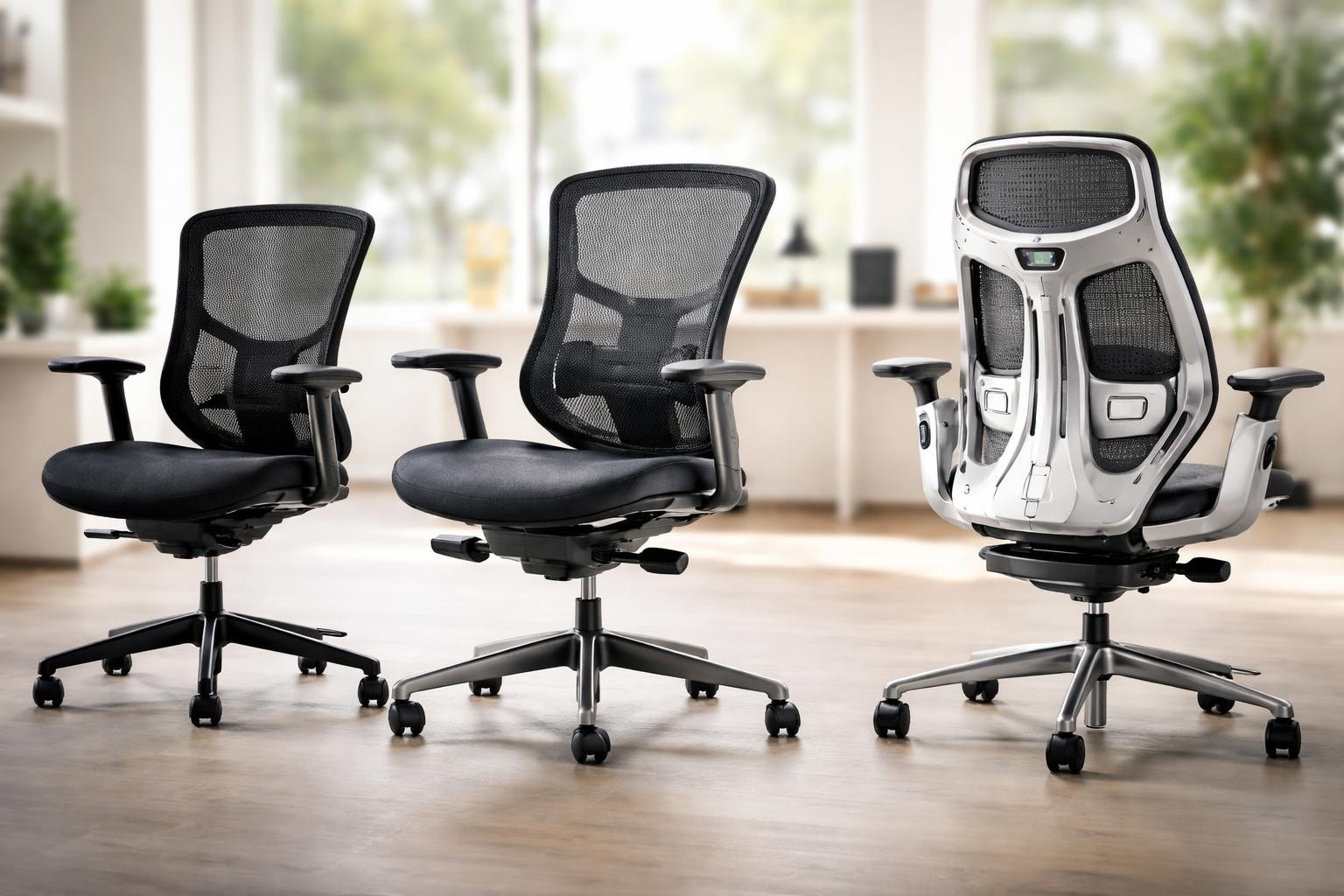
Entry-level chairs ($100-300) typically provide basic height adjustment and minimal lumbar support. These options suit temporary positions, intern stations, or very limited budgets but generally require replacement within 2-3 years of regular use.
Mid-range options ($300-700) incorporate most essential ergonomic features including synchro-tilt mechanisms, adjustable lumbar support, and quality upholstery materials. This category represents optimal value for most professional applications, balancing capability with reasonable acquisition costs.
Premium selections ($700-1,500+) feature advanced materials, extended warranties (often 10-12 years), and refined adjustment mechanisms. The Lenovo ergonomic computer chair guide notes that these investments particularly benefit employees spending 8+ hours daily seated or individuals with existing back conditions.
Considering total cost of ownership rather than initial purchase price reveals the true economic picture. A $400 chair lasting 8 years costs $50 annually, while a $150 chair replaced every 2 years costs $75 annually plus the administrative burden of repeated procurement.
Specialized Applications and Industry Requirements
Different professional environments demand specific computer chair characteristics beyond general ergonomic principles. Understanding these specialized needs ensures appropriate specification selection.
Industry-Specific Requirements
Healthcare facilities require chairs with antimicrobial upholstery and easy-to-clean surfaces facilitating infection control protocols. These environments often specify vinyl or medical-grade fabric resistant to common disinfectants.
Manufacturing and industrial settings prioritize durability and stability over aesthetic considerations. Heavy-duty construction, reinforced bases, and industrial casters enable use in demanding environments where standard office seating would fail prematurely.
Creative professionals working with dual monitors or large displays benefit from chairs with enhanced recline capabilities and headrests supporting varied working positions. Recent research on VDT workstation chair design demonstrates how integrated keyboard support reduces cumulative trauma risk for intensive computer users.
Call center operations require durable construction capable of continuous 24-hour usage across multiple shifts. Commercial-grade mechanisms and easily replaceable components minimize downtime and maintenance costs in these high-utilization scenarios.
Sustainability and Environmental Considerations
Growing environmental awareness influences computer chair selection as organizations pursue sustainability objectives. Manufacturing processes, material sourcing, and end-of-life disposal create significant ecological footprints worth evaluating.
Eco-Friendly Features and Certifications
GREENGUARD certification verifies low chemical emissions protecting indoor air quality
Recycled content construction utilizes post-consumer materials in frame and upholstery production
Recyclability design enables component separation and material recovery at product end-of-life
Sustainable forestry sources ensure wood components originate from responsibly managed forests
Local manufacturing reduces transportation emissions and supports regional economies
Remanufactured furniture represents another sustainable approach gaining traction. Companies specializing in cubicle workstations and office furniture often refurbish premium seating to like-new condition at substantial cost savings while diverting functional equipment from landfills.
The circular economy model encourages viewing furniture as assets to maintain and upgrade rather than disposable commodities. Quality computer chairs designed for component replacement and long-term serviceability align with this sustainable perspective.
Testing and Trial Considerations
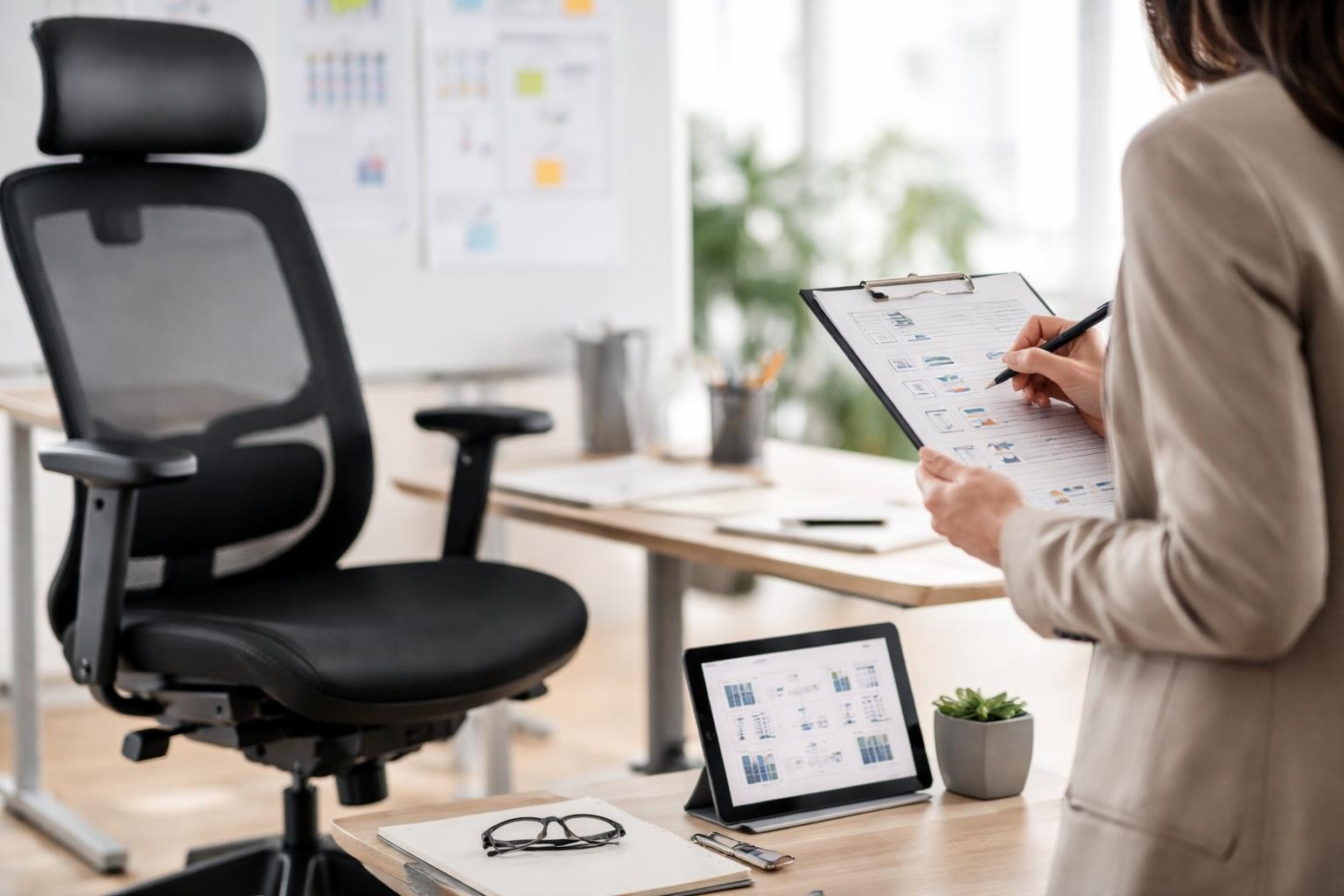
Specification sheets and online reviews provide valuable information, but physical testing remains the most reliable method for evaluating computer chair suitability. Individual comfort perceptions vary significantly based on body proportions, personal preferences, and work habits.
Effective Evaluation Protocols
When possible, arrange extended trial periods lasting at least one full workweek. Initial impressions during brief showroom tests often differ substantially from experiences after several days of actual use. Specific features feeling minor during 15-minute trials become significant during 8-hour work sessions.
Testing should occur at actual work surfaces matching intended use environments. A chair performing well at a standard 29-inch desk height may prove problematic at standing desk sitting heights or specialized workstations.
Pay attention to adjustment accessibility while seated. Controls requiring standing or awkward reaching often go unused, negating the theoretical benefits of sophisticated mechanisms. Intuitive, easily reached adjustments encourage regular optimization throughout the workday.
For businesses considering office desk chairs across multiple locations, establishing standardized testing criteria ensures consistent quality regardless of who conducts product evaluation. Documented assessment frameworks reduce subjective variation in purchase decisions.
Maintenance and Longevity Optimization
Proper maintenance extends computer chair lifespan significantly while preserving adjustment functionality and appearance. Regular care prevents minor issues from developing into major failures requiring premature replacement.
Preventive Maintenance Schedule
Weekly: Wipe down armrests, seat, and backrest with appropriate cleaning solution for upholstery type
Monthly: Inspect casters for debris accumulation, test all adjustment mechanisms, tighten any loose fasteners
Quarterly: Lubricate moving parts per manufacturer specifications, deep clean upholstery, inspect base for cracks
Annually: Professional inspection of gas cylinder, replacement of worn components, comprehensive cleaning
Common failures often stem from preventable issues. Caster debris causes flooring damage and mobility problems but takes only moments to clear. Gas cylinder failures frequently result from users exceeding weight ratings rather than inherent product defects.
Understanding warranty coverage before purchase helps establish realistic expectations about included support. Premium manufacturers often provide extensive coverage including parts, labor, and even shipping for warranty service, while budget options may offer minimal protection.
Corporate Procurement Strategies
Organizations furnishing multiple workstations benefit from strategic approaches to computer chair acquisition. Volume considerations, standardization benefits, and lifecycle planning optimize both financial and functional outcomes.
Fleet Management Approaches
Standardizing on specific models simplifies maintenance, training, and replacement part inventory. Employees moving between workstations encounter familiar adjustment mechanisms, reducing setup time and ergonomic inconsistency.
Phased replacement programs spread capital expenditures while maintaining consistent furniture age across the organization. Rather than replacing all seating simultaneously every 10 years, annual rotation of 10% creates steady budgeting and prevents sudden large expenditures.
Businesses operating across California, Nevada, Arizona, Oregon, and Washington find that regional suppliers like Pacific Coast Business & Home Office Furniture offer advantages in coordinated multi-location delivery and installation. Their expertise in asset liquidation and reconfiguration services supports evolving workspace needs beyond initial setup.
Emerging Technologies and Future Trends
The computer chair market continues evolving with technological integration and innovative design approaches addressing modern workplace challenges. Understanding emerging trends helps organizations prepare for future furniture decisions.
Smart seating incorporating sensors and connectivity features represents a growing segment. Privacy-preserving posture monitoring systems provide feedback on sitting habits without invasive surveillance, encouraging healthier work patterns through data-driven insights.
Adaptive materials responding to body temperature and pressure distribution offer enhanced comfort across varying environmental conditions and usage patterns. Phase-change fabrics and pressure-sensitive foam adjust automatically rather than requiring manual intervention.
Modular design philosophies enable component upgrades extending chair relevance as needs evolve. Swapping outdated fabric for modern materials or replacing worn mechanisms with improved versions extends functional life while maintaining the core structure investment.
Selecting an appropriate computer chair requires balancing ergonomic principles, budget constraints, and specific workplace requirements while prioritizing long-term health and productivity outcomes. Professional guidance ensures optimal matches between individual needs and available solutions. Whether you're furnishing a single home office or equipping an entire corporate facility, Pacific Coast Business & Home Office Furniture provides expert consultation, quality products, and comprehensive services including delivery, installation, and workspace reconfiguration across the Western United States with nationwide capabilities.
Comments